Select the Main sub menu.
|

Select the Maintain Employees option.
|

Select the required employee from the list on the left.
|
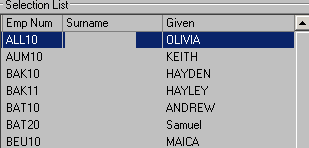
Select the Edit option in the toolbar.
|

Select Add Row in the Standard Weekly Allowances list.
|

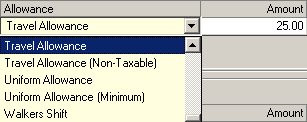
Select the required allowance type and enter the monetary amount for the allowance
|
Select the Save option in the toolbar
|

When processing payroll for the first time after setting up a standard weekly allowance, be sure to check that employee’s pay slip to confirm the new setup is correct. |